

Description
Product Overview
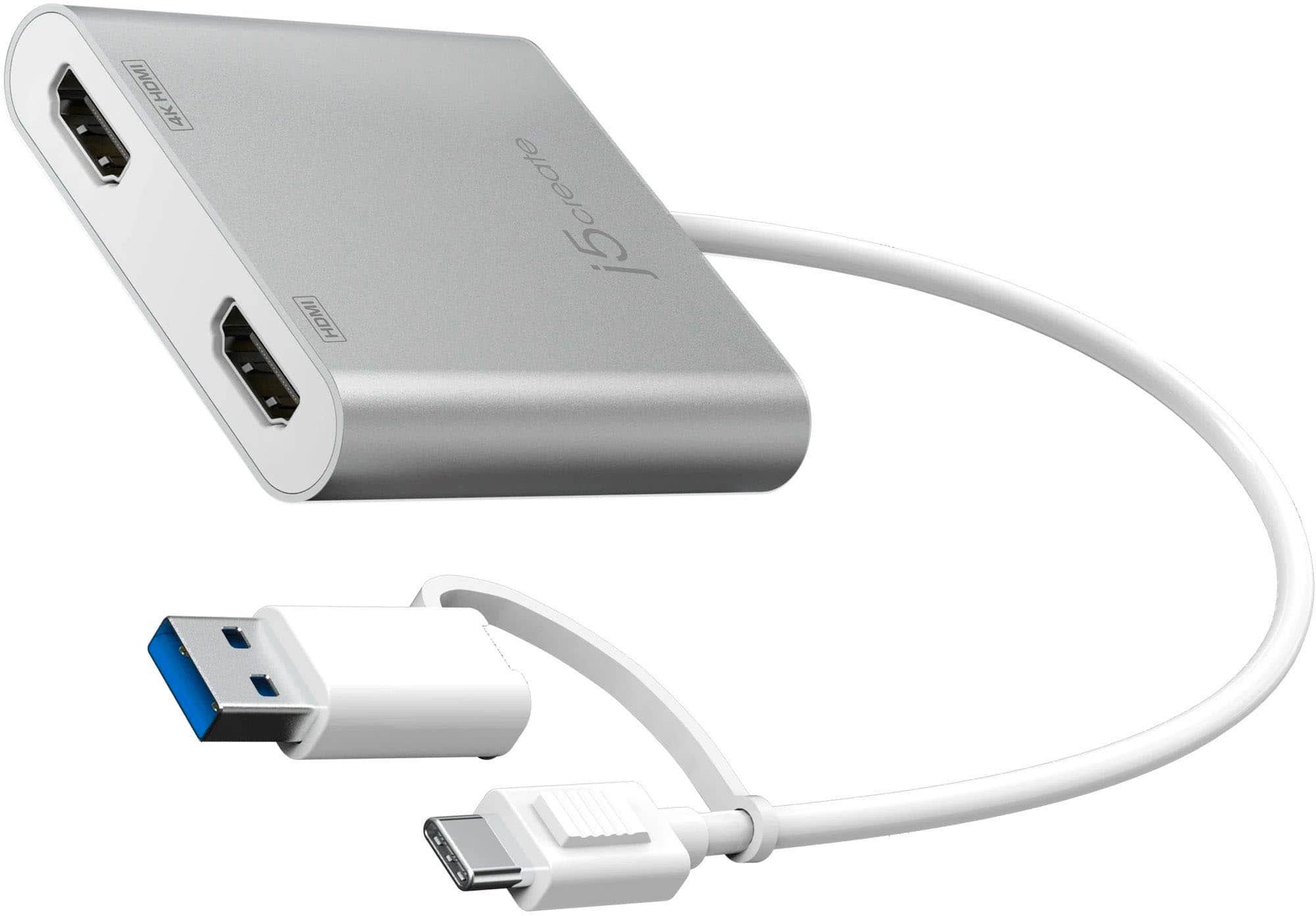
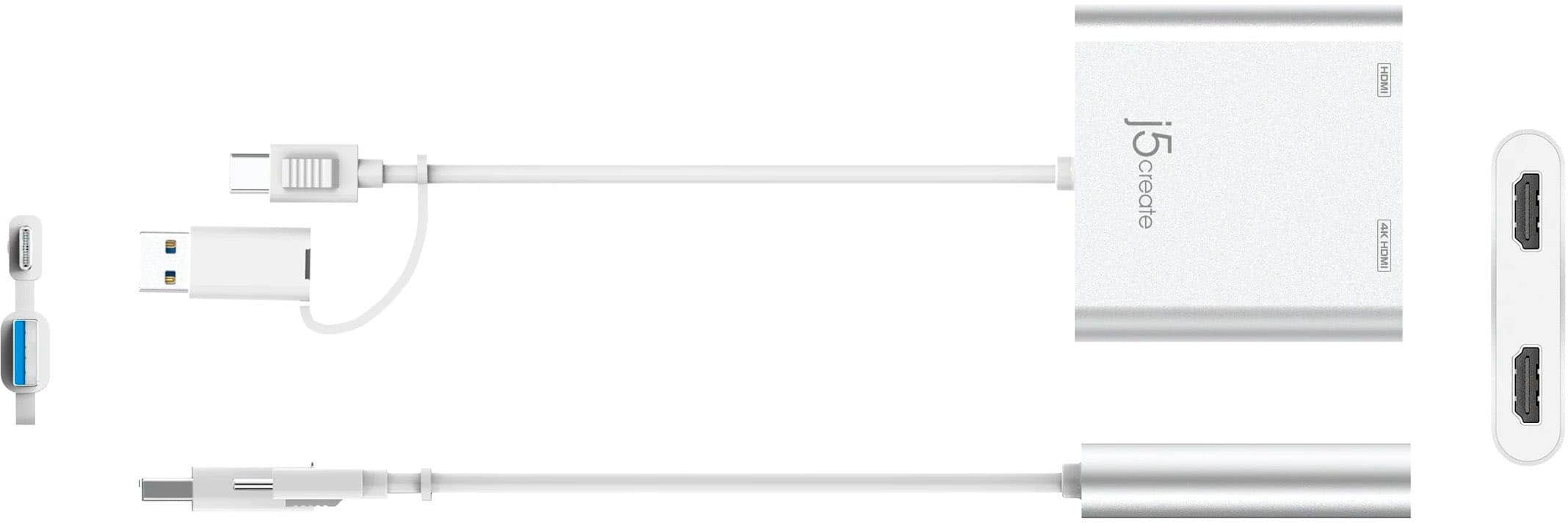
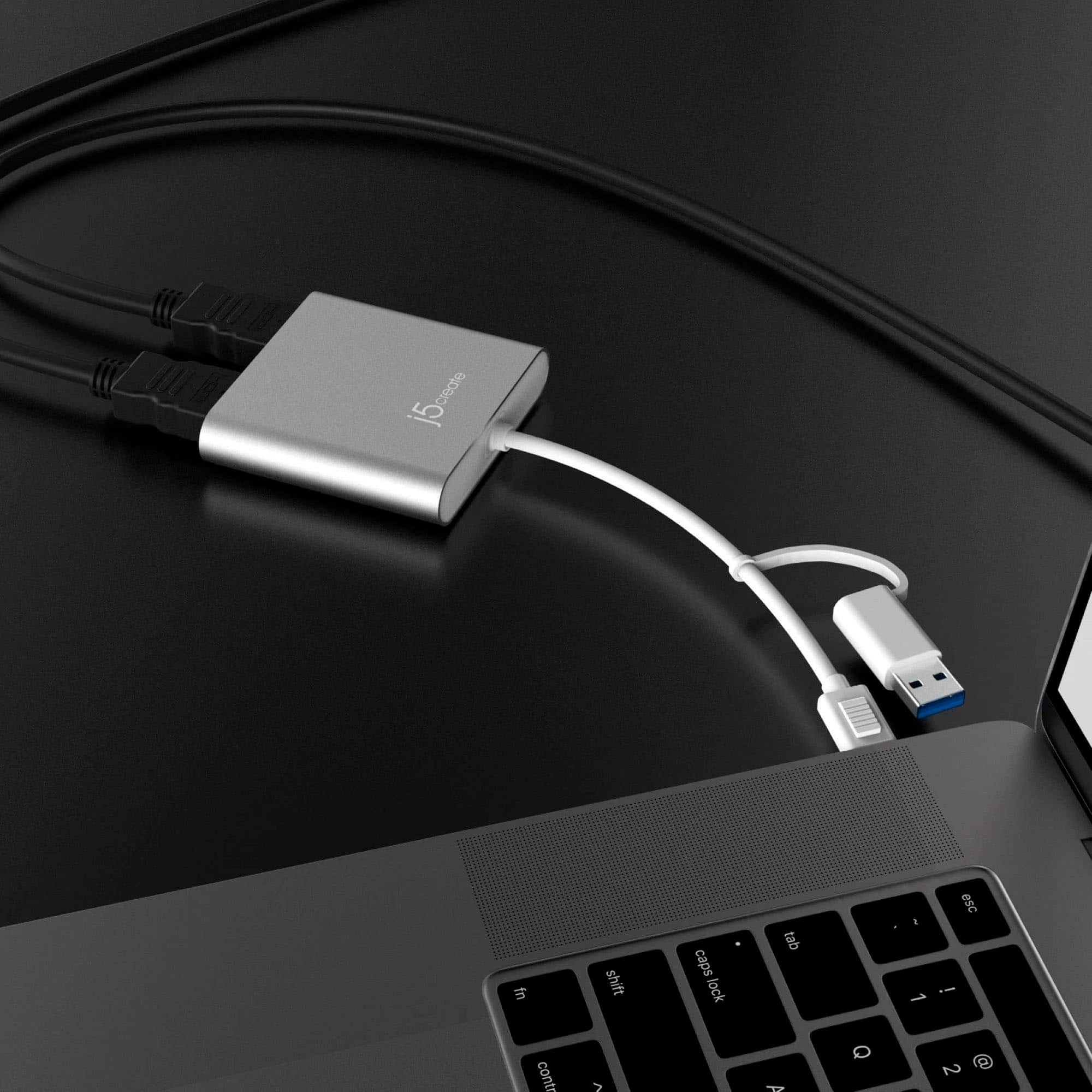
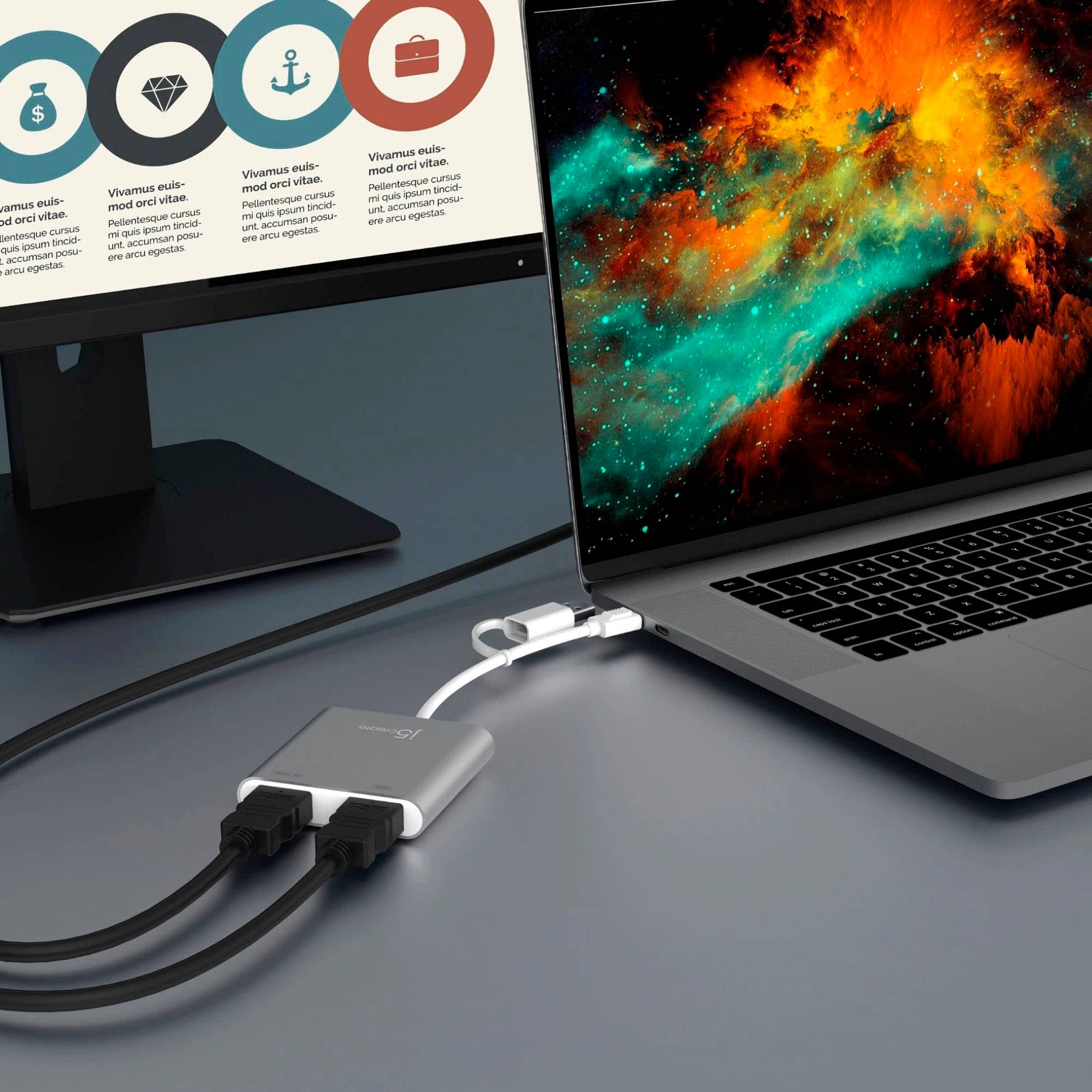
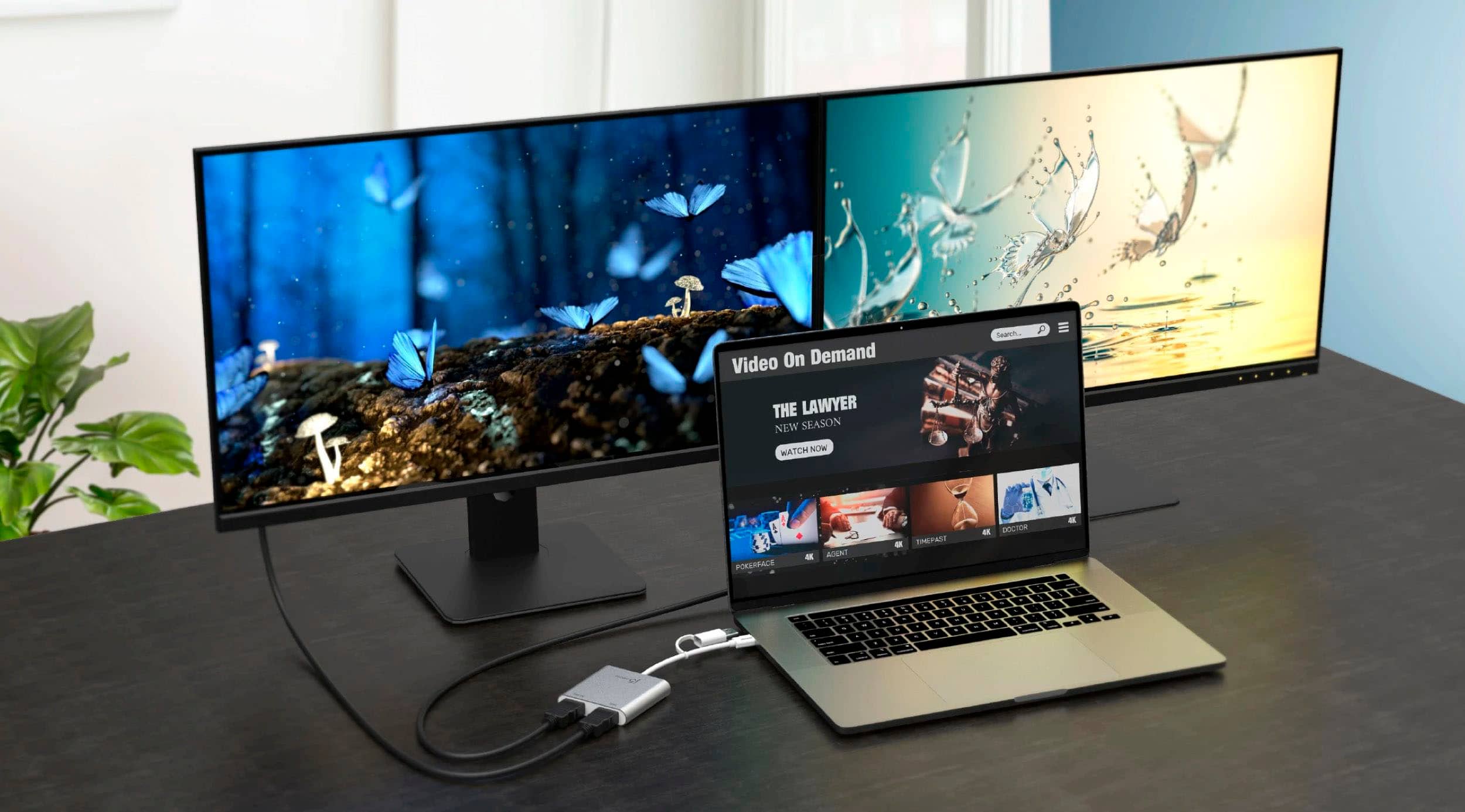
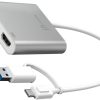
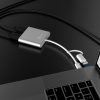
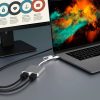
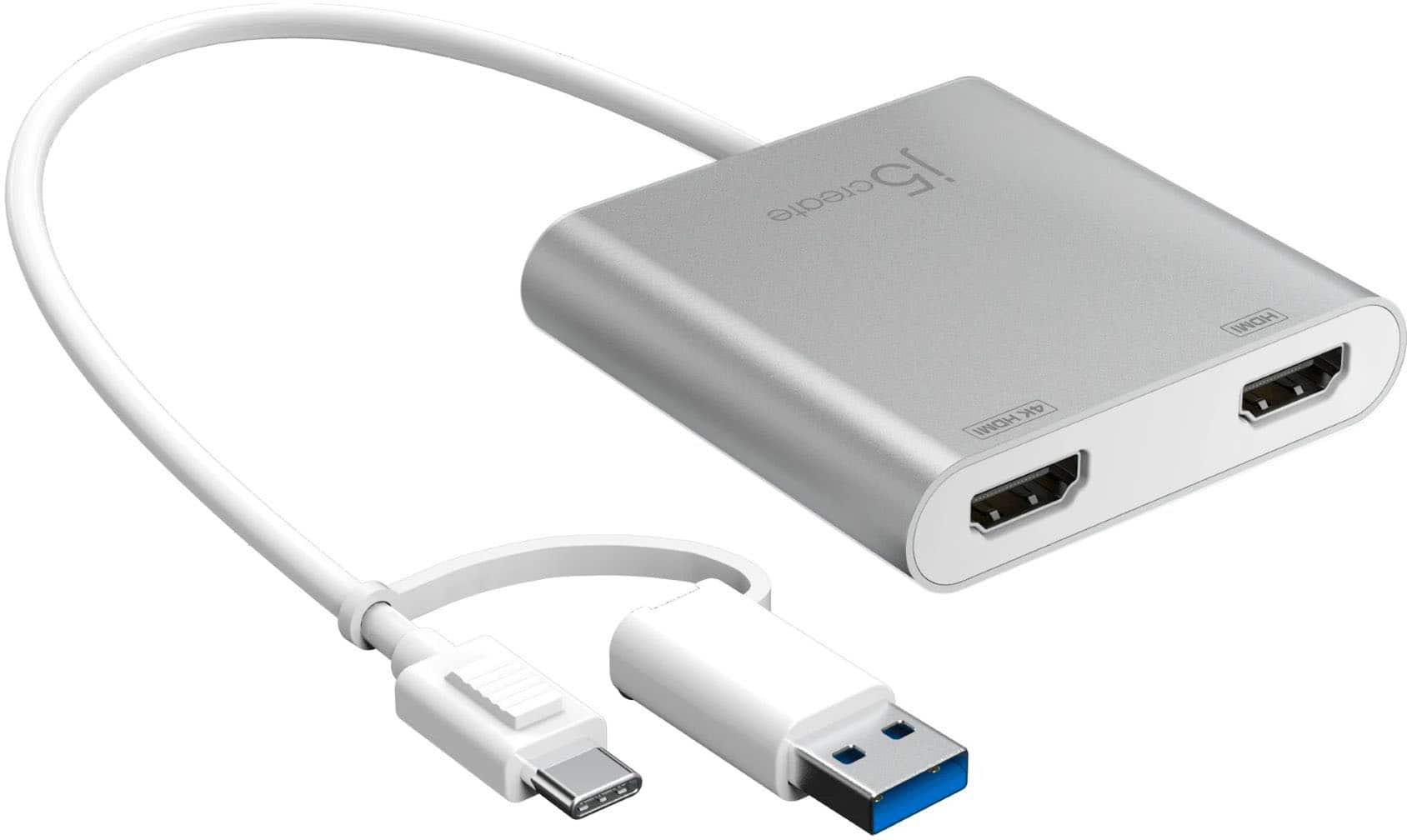
The USB-C to Dual HDMI Multi-Monitor Adapter serves as an external video card, enabling you to connect two HDMI monitors to a single USB-C or USB-A port on your laptop. It delivers high-resolution output with one port supporting up to 4K UHD and the other up to 2048 x 1152, enhancing visual clarity for work and entertainment. Crafted from durable materials, this adapter ensures reliable performance and seamless integration into your tech setup, making it a versatile tool for expanding your display capabilities.
Usage
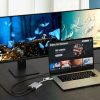
This adapter is perfect for professionals, students, and remote workers who need extended screen space for multitasking, such as coding, graphic design, data analysis, or video conferencing. Use it in home offices, corporate environments, or educational settings to create a dual-display workstation that boosts efficiency. It’s compatible with a wide range of laptops, including MacBooks and Windows devices, and supports various applications from creative software to everyday productivity tools.
Why Choose Us
Our USB-C to Dual HDMI adapter stands out with its robust build quality, universal compatibility, and advanced features like 4K support and multiple display modes. We prioritize user experience by offering easy installation and reliable drivers, backed by thorough testing to ensure long-term durability. Unlike generic alternatives, this adapter provides consistent performance without lag, making it a trusted choice for enhancing your digital workspace.
Key Features
- Connect two HDMI monitors via USB-C or USB-A for expanded productivity
- Enjoy 4K UHD resolution on one port and high-definition on the other
- Supports mirror, extended, primary, and rotation display modes for flexibility
- Universal compatibility with Mac and Windows laptops for broad usability
- Easy plug-and-play setup with included drivers for quick installation
FAQ
What laptops are compatible with this adapter?
It works with most laptops featuring USB-C or USB-A ports, including MacBooks, Windows laptops, and many ultrabooks, ensuring wide applicability across devices.
Does it require external power?
No, the adapter draws power directly from your laptop’s USB port, making it portable and convenient for on-the-go use without extra cables.
Can I use both HDMI ports simultaneously at 4K?
One HDMI port supports up to 4K resolution, while the other reaches 2048 x 1152; using both together provides dual displays without compromising quality.
Is the rotation mode available on Mac?
Rotation mode is only supported on Windows computers; Mac users can access mirror, extended, and primary modes for their display needs.
How do I install the drivers?
Simply plug in the adapter, and the drivers will auto-install on most systems, or follow the quick installation guide for manual setup if needed.
Reviews
There are no reviews yet.